02 June, 2026
Tuesday
Ai

The Future of Personal Productivity Is Not More Apps — It Is One Assistant That Helps Connect Them
We’ve Hit Peak App
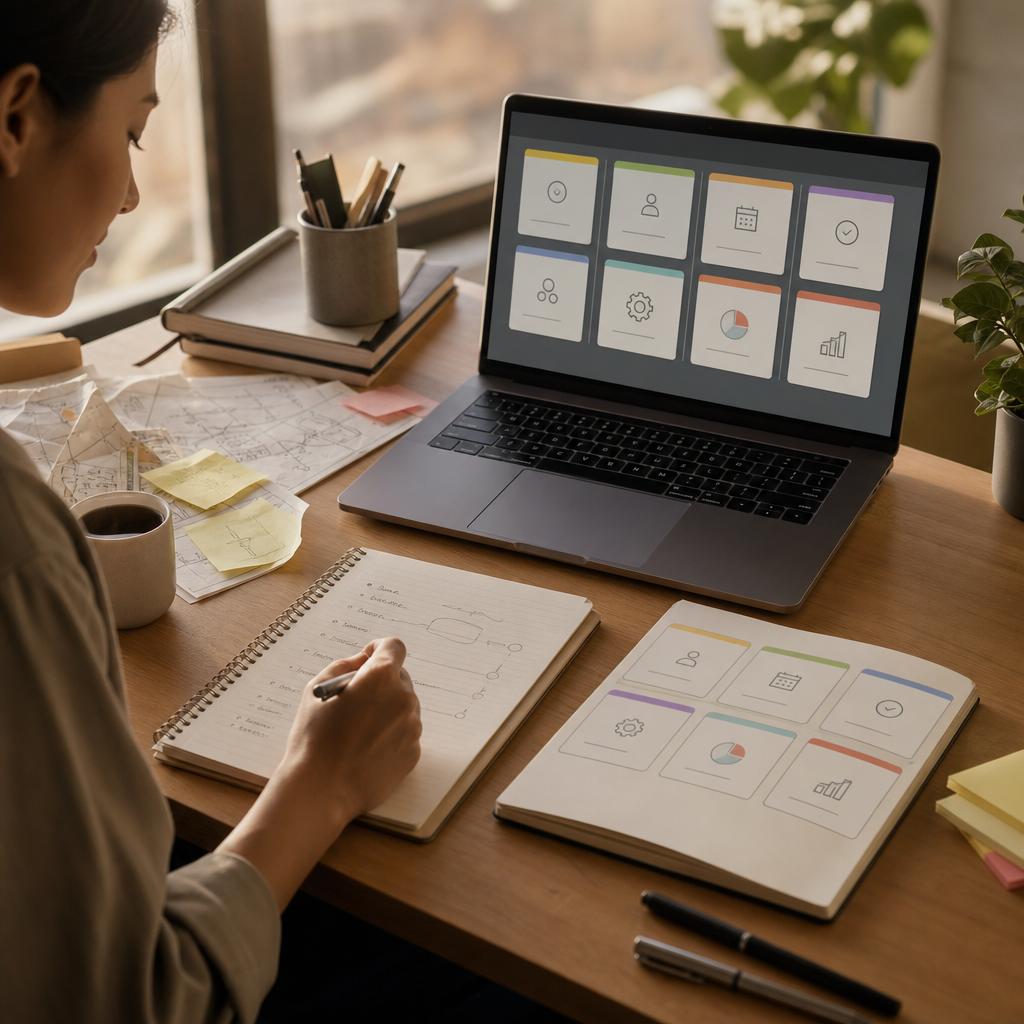
Let’s be honest. How many apps do you have open right now? Email, calendar, spreadsheets, Slack, Notion, a project tool, maybe a CRM, your banking app, a notes thing, and a browser with ten tabs. I’m the same. Over the years, I’ve tried every productivity system going — GTD, bullet journals, Notion dashboards, you name it. And each time, I end up with more tools, not fewer.
The problem isn’t that we don’t have enough software. The problem is that our work is scattered everywhere. An idea lands in an email. A task ends up in Slack. A meeting note lives in Notion. A deadline hides in your calendar. And a follow-up sits in your head, waiting to be forgotten. We’ve built these incredible digital tools, and then left them as islands. No wonder we feel overwhelmed.
I’ve written before about how an AI agent can help with specific tasks — summarising emails, managing finances, keeping track of notes. But the real power of an agent isn’t in any single tool. It’s in the connection between them. It’s the assistant that sees the whole picture, without making you jump between a dozen windows.
Why More Apps Won’t Fix You
Every month, a new productivity app launches. It promises to be the one that finally brings order to the chaos. But here’s the truth: adding another app just gives you another place to check. Your brain doesn’t need more inboxes. It needs a way to collapse the noise.
I remember a morning a few months back. I had a client call at 10am, a report due by noon, and a kid’s dentist appointment I needed to reschedule. To get it done, I had to check my calendar, email, Slack, a shared Google Doc, and my personal notes app. That’s five different systems before I’d even started working. It’s exhausting. And it’s the kind of exhaustion that no new app can cure.
The Agent as a Bridge, Not a Replacement
So where does Hermes Agent fit in? Not as a replacement for your tools. I don’t want an AI that tries to replace Slack or Gmail or Notion. Those tools are good at what they do. But they’re not good at talking to each other.
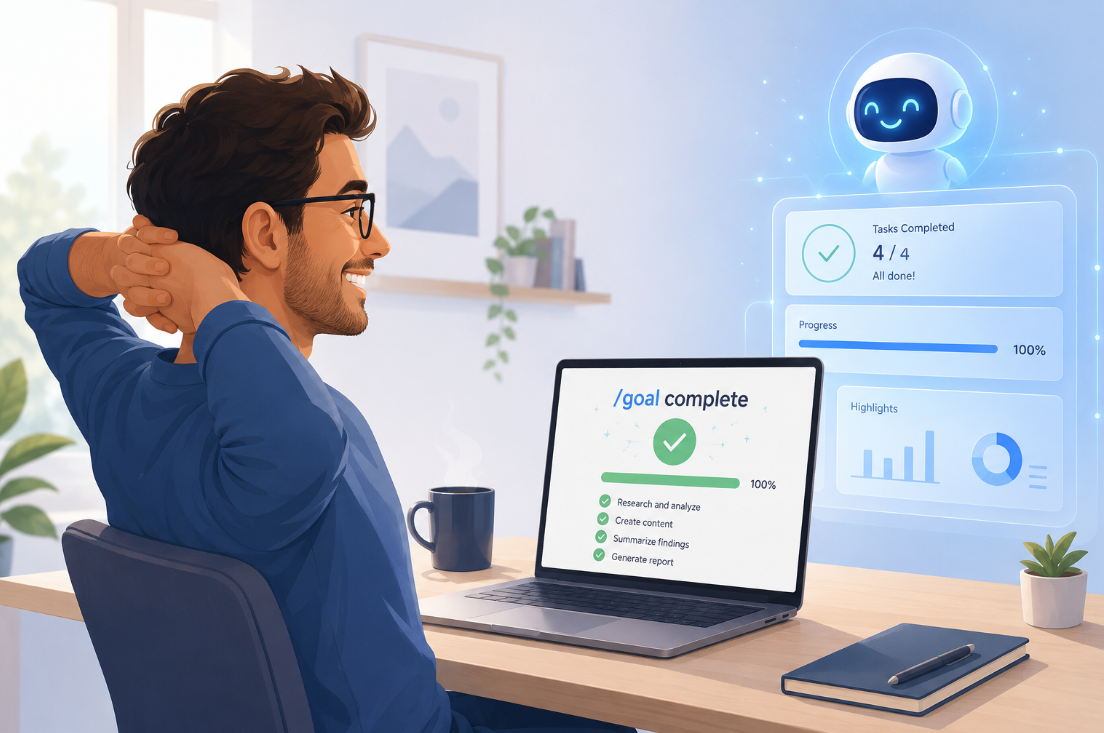
Hermes sits on top of them. It’s like a personal assistant who already knows where everything lives. I can ask, “What’s on my plate today?” and it pulls from my calendar, my email flagged items, my Notion task list, and even my Slack reminders. It gives me one summary instead of me opening five apps. And because it lives locally on my device, my data stays private. That matters.
Here’s a concrete example. Last week I needed to prepare notes for a board meeting. The agenda was in a Google Doc. Financial figures lived in a spreadsheet. Previous minutes were in Notion. And a few action items were buried in email threads. Normally, I’d spend 20 minutes gathering all of that. Instead, I told Hermes, “I need a summary for the board meeting tomorrow. Include the financials from the Q2 sheet, the minutes from last month, and any unresolved actions from emails.” It took less than a minute. And the output was a clean, bullet-point document that I could edit and share.
That’s the difference. I’m not spending my time hunting for information. I’m spending it thinking about what the information means.
Reminders That Actually Make Sense
One of the most underrated features of a good AI agent is the way it surfaces what needs attention, without you having to ask. I don’t mean annoying notifications. I mean smart prompts based on context.
For example, Hermes knows that when I get an email from a client with “invoice” in the subject line, it checks my finance tool to see if the invoice has been paid. If not, it reminds me to chase it. If it has been paid, it files a note and moves on. That kind of context-aware reminder cuts down on manual checking. It’s like having a colleague who actually remembers the details.
Another example: I often save articles to read later. They end up in a Pocket list, a browser bookmark, an email to myself, or even a Slack message. Hermes can pull all of those into one “read later” queue, rank them by priority (based on what I’m working on), and even summarise the key points if I’m short on time. I don’t need to remember which app I saved something in. I just ask, “What should I read today?”
Reducing the Hunt
Think about how much time you spend looking for things. Searching your inbox for that one attachment. Scrolling through Slack to find a decision. Opening three different notes apps to find a password or a link. It’s death by a thousand micro-frictions. Each one feels small, but they add up to hours a week.
An agent that connects your tools can eliminate a lot of that hunt. It can search across apps, filter by date or keyword, and bring back exactly what you need. And because it learns from your behaviour, it gets better at predicting what you’ll ask next. It’s not magic. It’s just a smarter way to use the tools you already have.
Humans Still in the Loop
I want to be clear about one thing: this isn’t about replacing human judgment. The agent isn’t making decisions for me. It’s collecting, summarising, reminding, and suggesting. I still decide what to act on. I still write the emails that matter. I still have the conversations. The agent just clears the clutter so I can focus on the work that actually requires a human.
The future of personal productivity isn’t a single app that does everything. That’s a pipe dream. The future is a light layer of intelligence that sits across the apps we already trust. It’s a bridge, not a walled garden. And it’s a future that’s already here, if you’re willing to give it a try.
So if you’re tired of jumping between tools, of feeling like your work is scattered across a dozen islands, maybe it’s time to consider an assistant that connects them.
Need help setting up your own AI assistant? Feel free to contact me at [email protected].
Recent News